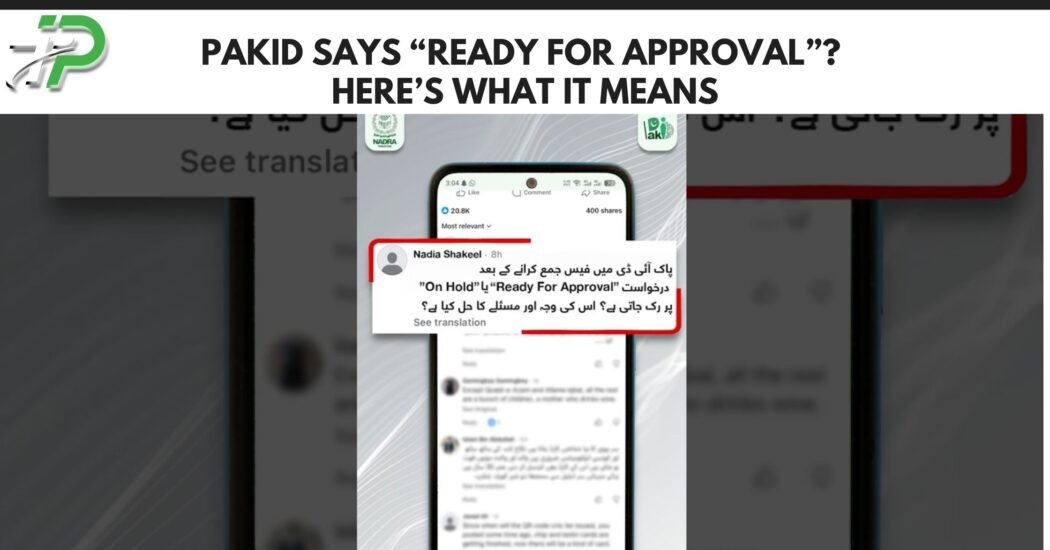
NADRA has clarified what applicants should do when their PakID application displays the status “Ready for Approval.”
The status means the application has reached the approval stage and is being processed. Applicants have been advised not to panic or repeatedly resubmit information simply because the next payment or processing option has not appeared immediately.
According to guidance reported on October 8, applicants should normally allow up to 48 hours for the approval stage to progress.
If more than 48 hours pass without progress, the applicant can contact NADRA for assistance.
What Does “Ready for Approval” Mean on PakID?
When PakID shows Ready for Approval, it means the submitted application has reached an internal approval stage.
It does not mean that the CNIC, NICOP or other identity document has already been printed or dispatched.
The application still needs to move through the remaining processing steps before the identity document is completed.
Applicants generally do not need to take any immediate action simply because this status appears.
How Long Does Ready for Approval Take?
NADRA’s latest guidance advises applicants to allow up to:
48 hours
for the approval stage to progress.
The 48-hour period should be treated as an expected approval window rather than the total time required to receive a new identity card.
Overall CNIC, Smart NIC, NICOP and other identity-document processing times depend on the service and whether the applicant selected Normal, Urgent or Executive processing.
What If the Payment Option Is Not Showing?
Some PakID applicants become concerned when their application reaches the approval stage but the expected payment option has not yet appeared.
The latest guidance says applicants should allow the approval process time to complete rather than submitting the application again.
If the application remains stuck beyond the stated 48-hour period, the applicant should contact NADRA.
NADRA’s official PakID payment system supports several authorised methods depending on the service, including debit or credit cards, Raast and selected mobile-payment channels.
How to Pay Through PakID
Once an eligible application reaches the payment stage, PakID provides authorised online payment options.
For example, NADRA’s official Raast payment process requires applicants to:
- Open the PakID mobile app.
- Go to the Inbox.
- Locate the relevant Tracking ID.
- Select the Pay Now option.
- Generate the Raast QR code.
- Scan or upload the QR code through the applicant’s banking application.
- Complete the payment.
- Return to PakID and verify the payment.
The generated Raast QR code remains valid for a limited period, so applicants should complete payment promptly after generating it.
How Can You Track a PakID Application?
PakID provides application tracking within the mobile application.
NADRA advises users to open their application inbox/dashboard to monitor the latest status.
Statuses can change as the application moves through verification, approval, payment, processing, printing and delivery stages depending on the particular service.
Applicants should therefore check the status shown against their own Tracking ID rather than assuming another person’s timeline will be identical.
What Should You Do During the First 48 Hours?
If the application is showing Ready for Approval and less than 48 hours have passed, applicants generally do not need to:
- submit a duplicate application;
- visit a NADRA centre immediately;
- create another PakID account; or
- repeatedly change application information.
Allow the approval stage to complete unless PakID specifically asks for additional information or documents.
What If More Than 48 Hours Have Passed?
If the application remains at the same stage beyond 48 hours, NADRA advises applicants to contact its support channels.
NADRA Mobile Helpline
1777
NADRA Landline
+92 51 111 786 100
Applicants can also visit their nearest NADRA Registration Centre if the problem cannot be resolved remotely.
Keep the Tracking ID available when contacting support because NADRA staff may need it to identify the application.
Can You File a PakID Complaint Online?
Yes.
NADRA provides customer-support and complaint services for PakID users.
Applicants can also use NADRA’s online complaint mechanism or official quick-chat support where available.
Providing the Tracking ID, application type and a clear description of the problem can help NADRA identify the issue more quickly.
Does “Ready for Approval” Mean the CNIC Is Approved?
Not yet.
The wording means the application is at or awaiting the approval stage.
It should not be confused with final printing or dispatch of the CNIC.
Applicants should continue tracking the application until PakID displays subsequent processing or delivery information.
Can PakID Be Used for CNIC Applications?
NADRA’s PakID application supports several identity-related services.
These include services relating to:
- CNIC renewal;
- CNIC modification;
- lost-card reprint;
- NICOP;
- Pakistan Origin Card;
- Child Registration Certificate;
- Family Registration Certificate; and
- selected cancellation certificates.
NADRA also allows applicants to track applications digitally through the platform.
Does Processing Time Start Before or After Payment?
NADRA’s official fee schedule states that the Normal, Urgent or Executive processing timeline for PakID applications starts after the applicable fee has been paid.
Applicants should therefore distinguish between the time required for an application to reach payment/approval and the formal processing period for the selected service category.
Frequently Asked Questions
What does Ready for Approval mean in PakID?
It means your application has reached the approval stage and is waiting to progress through NADRA’s processing system.
How long should I wait?
NADRA’s latest guidance says applicants should allow up to 48 hours.
Should I submit another application?
Normally, no. Submitting a duplicate application simply because the status has not changed immediately can create unnecessary complications.
What if the payment option does not appear?
Allow the application up to the stated 48-hour approval period. If the problem continues, contact NADRA.
What is NADRA’s helpline?
Mobile users can call 1777.
Applicants can also call +92 51 111 786 100.
Can I check the status online?
Yes. PakID provides application tracking through the application dashboard/inbox.